Professional BIM Course for Architects with Revit Certification
Enroll into 4 month BIM online course by KP Classes and advance your career with worldwide recognised Autodesk Certification.
Talk to a BIM Expert
What will you learn in this Course?
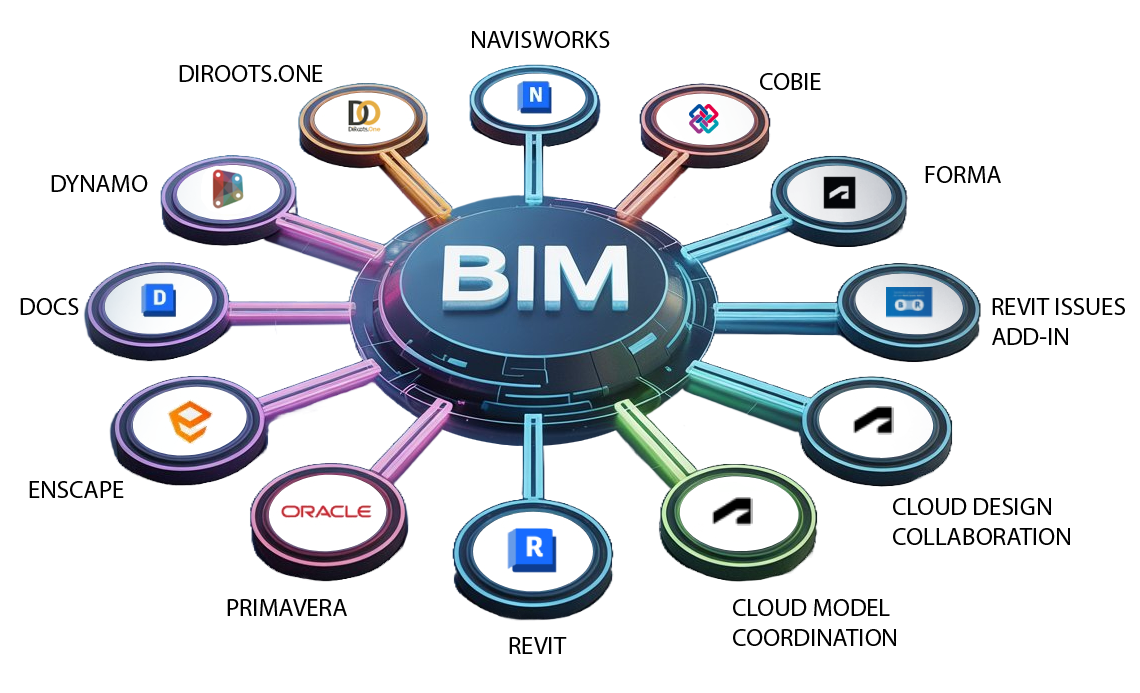
Learn the Tools That Make a Real Difference
Course curriculum
Introduction to BIM and Basics of Revit Modelling – (Week 1-6)
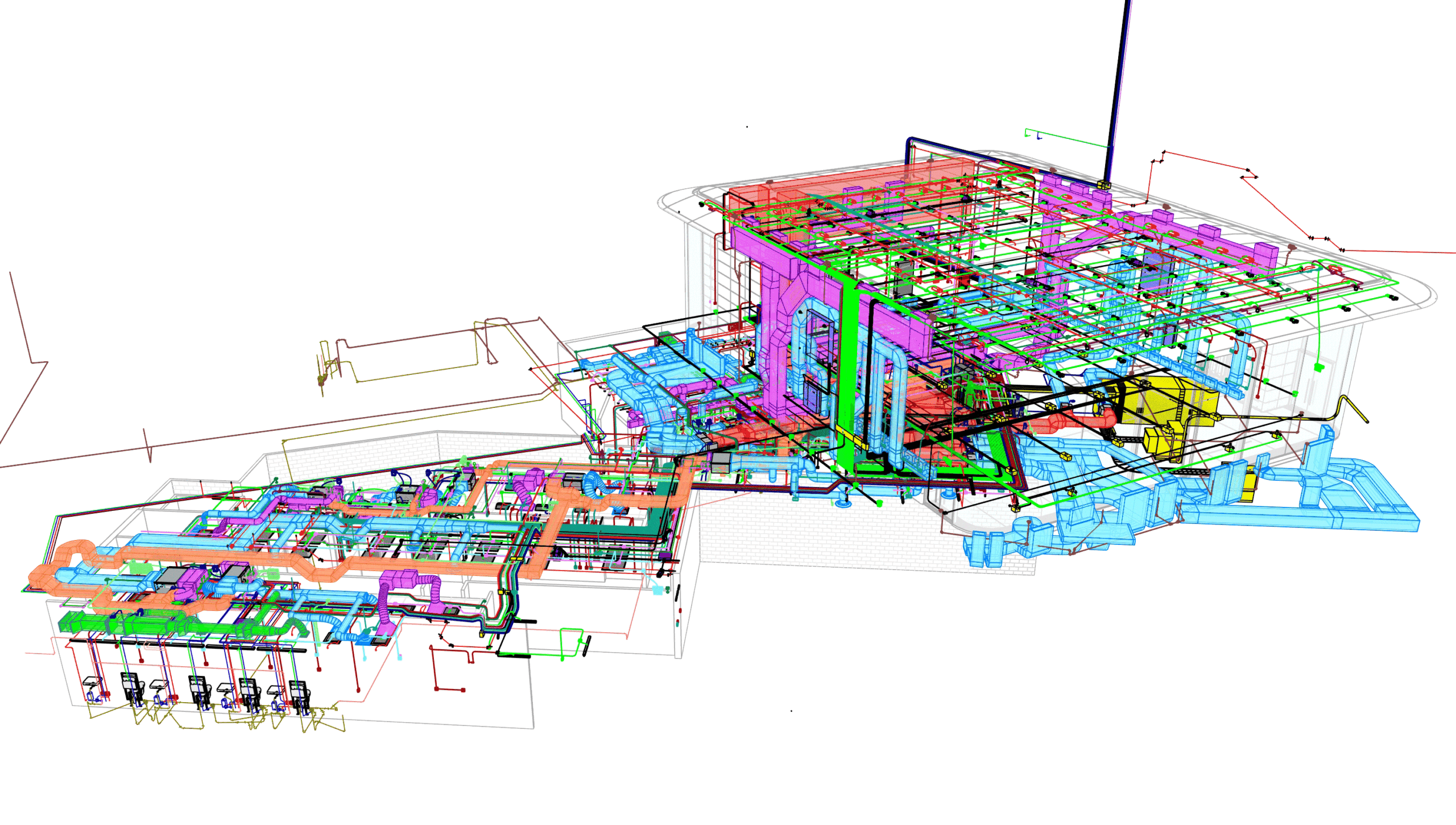
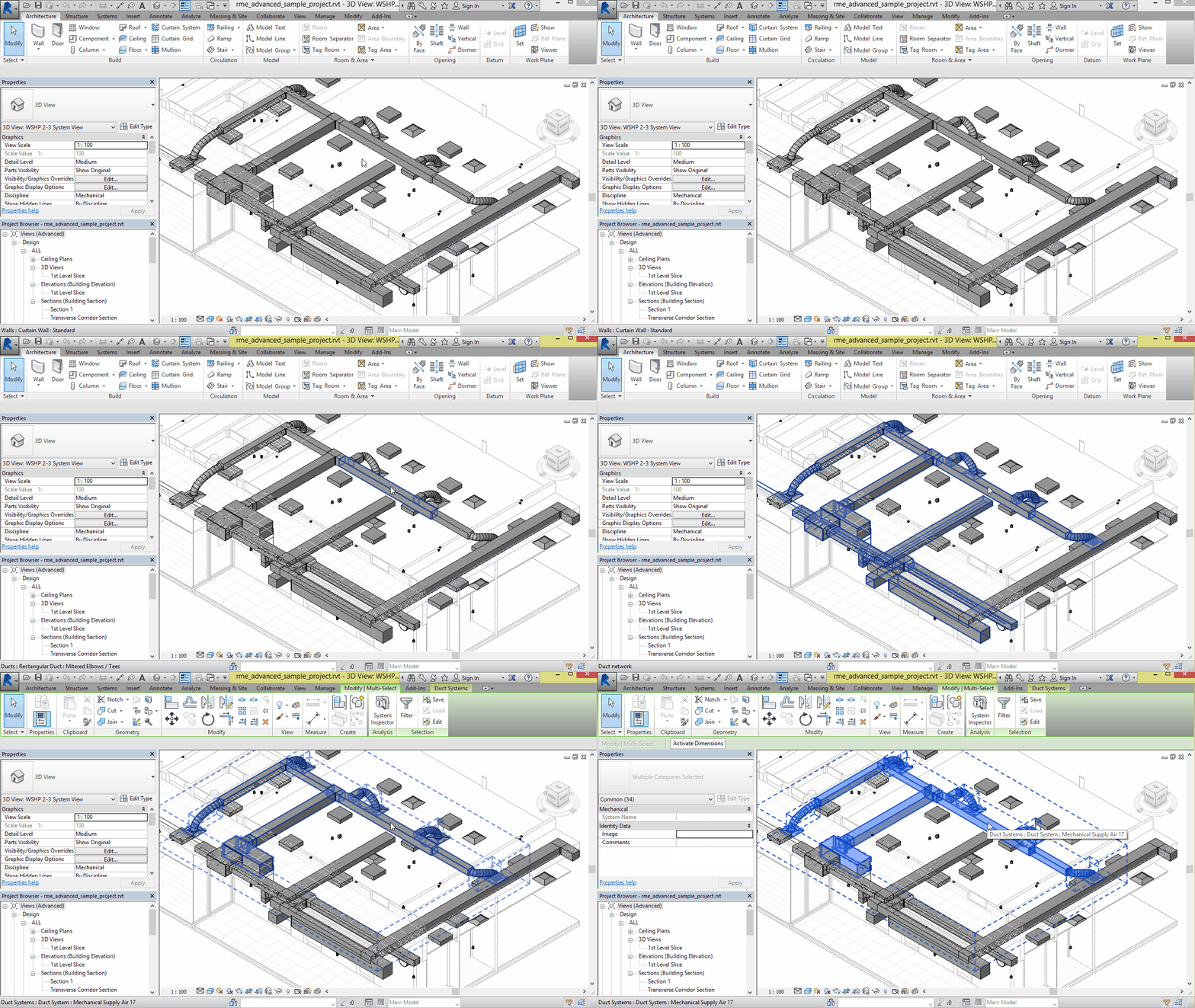
Your BIM journey begins with the foundation where you will learn the basics of BIM and Project Setup in Revit. The module further dwells into modelling beginning with topography & massing and further dwelling into Architectural, Structural and MEP modelling. This module further deals with the understanding of Adaptive and Custom families in Revit
Visibility Graphics for Documentation and Collaboration- (Week 7-8)
This module deals with in-depth understanding of visibility graphics & filters and their applications in documentation along with collaboration tools for understanding of work-sharing, phasing, design options & working with shared parameters. Additional functions like schedules and area schemes, area plans and solar studies are taught in this module.
Application of Coordination and Clash Detection – (Week 9-11)
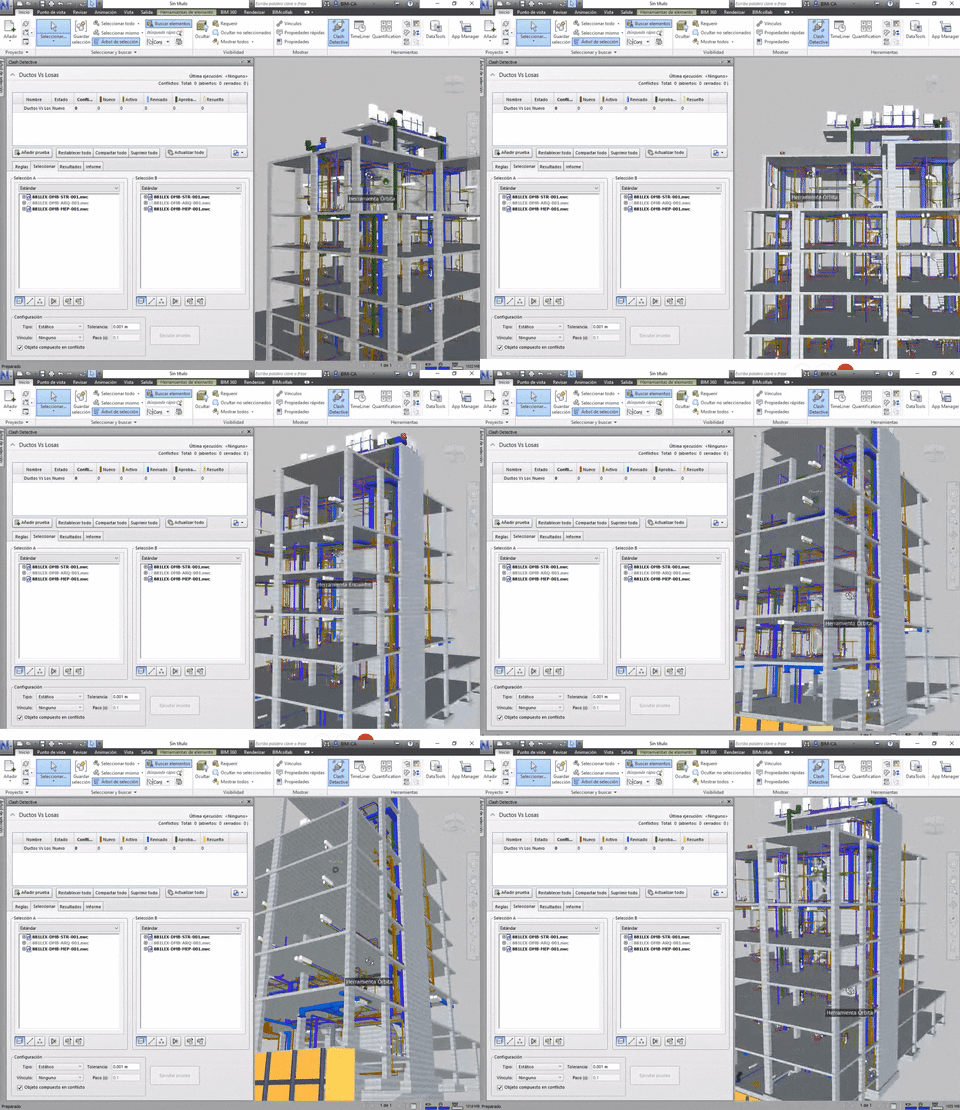
This module focuses on a very important aspect of BIM, which is internal and external coordination with different stakeholders of AEC industry. The module further includes complete understanding of BIM 360 and its importance in sharing project information for review, Navisworks for clash detection and time liner.
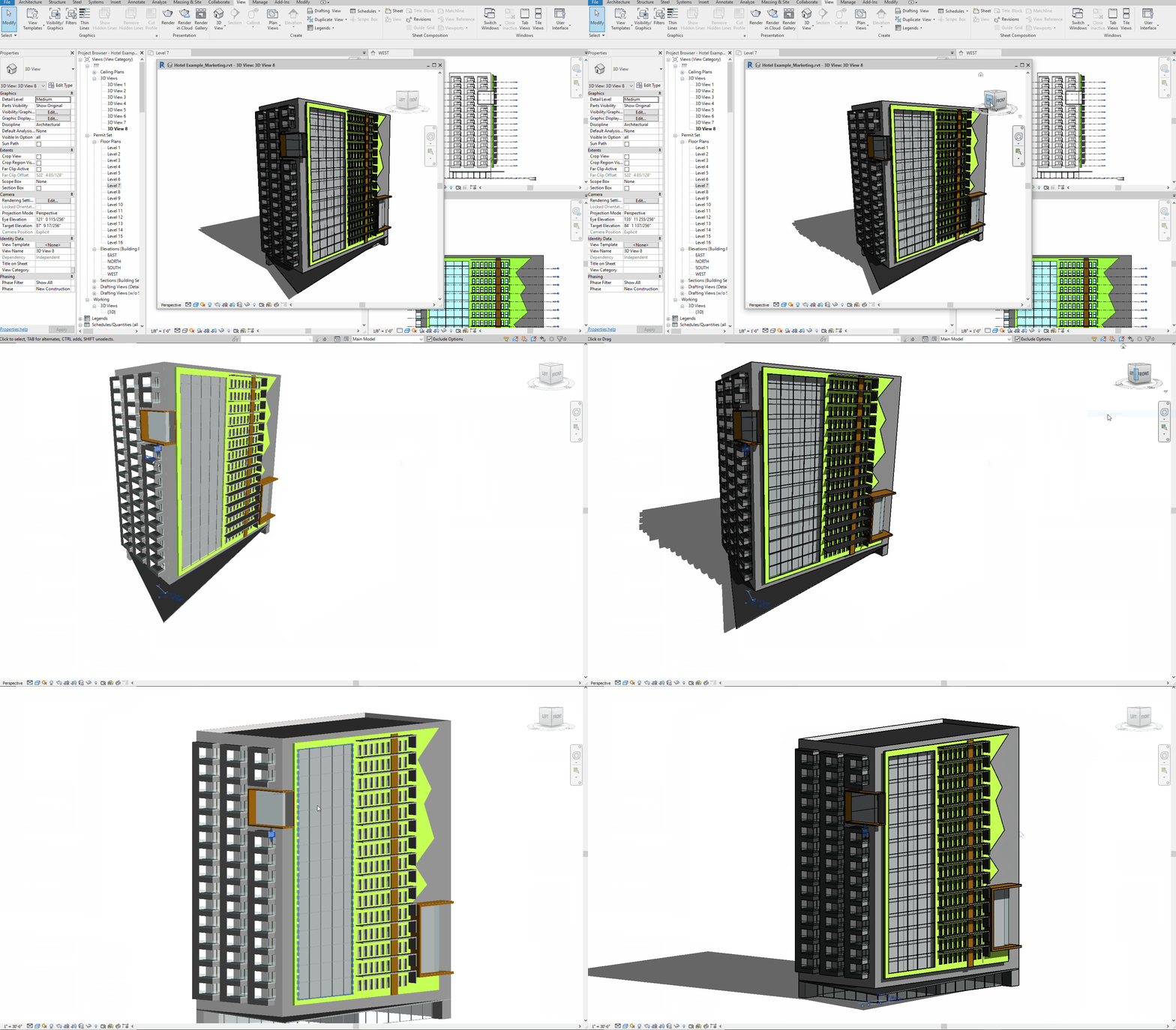
Capstone Project and Portfolio Guidance with Job Support – (Week 12-13)
This module focus on the complete application of skillset garnered throughout the course with exposure to a capstone project along with expert guidance for polishing your understanding of BIM. Further guidance on projects with focus on visualisation and compilation for portfolio and Job support are the culmination of the course.
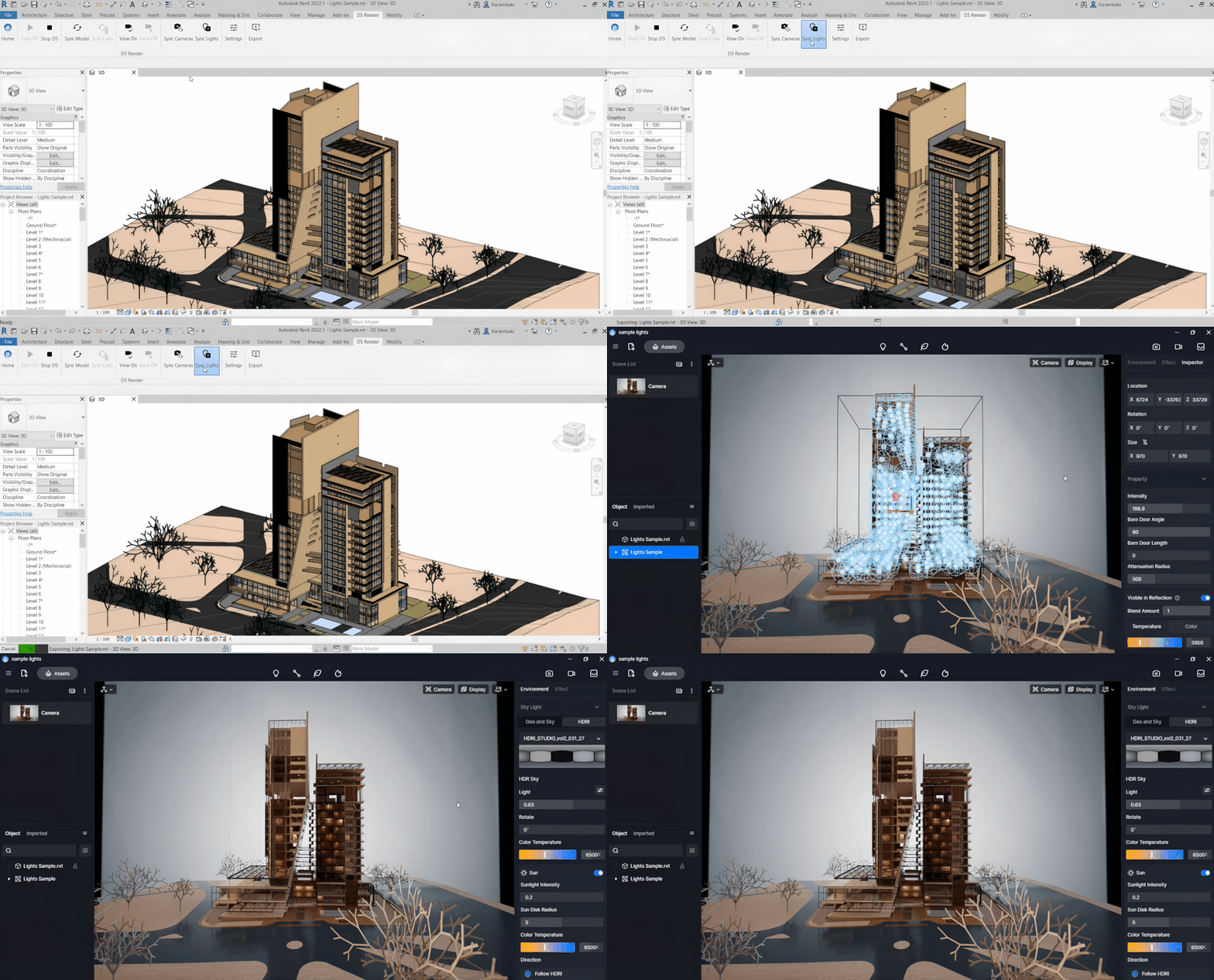
Introduction to Tools and Plug-ins for Revit – (Week 14-16)
This module focuses on advanced tools and plug-ins with an introduction to their application in Revit. The module covers the basic application of Dynamo along with practice and doubt discussion. Further, the module covers Autodesk Forma & Form-it, Py Revit, and application of these tools for Advanced modelling
Check out the CURRICULUM of the Course
Introduction to BIM and Basics of Revit Modelling – (Week 1-6)
Your BIM journey begins with the foundation where you will learn the basics of BIM and Project Setup in Revit. The module further dwells into modelling beginning with topography & massing and further dwelling into Architectural, Structural and MEP modelling. This module further deals with the understanding of Adaptive and Custom families in Revit
Visibility Graphics for Documentation and Collaboration- (Week 7-8)
This module deals with in-depth understanding of visibility graphics & filters and their applications in documentation along with collaboration tools for understanding of work-sharing, phasing, design options & working with shared parameters. Additional functions like schedules and area schemes, area plans and solar studies are taught in this module.
Application of Coordination and Clash Detection – (Week 9-11)
This module focuses on a very important aspect of BIM, which is internal and external coordination with different stakeholders of AEC industry. The module further includes complete understanding of BIM 360 and its importance in sharing project information for review, Navisworks for clash detection and time liner.
Introduction to Tools and Plug-ins for Revit – (Week 12-14)
This module focuses on advanced tools and plug-ins with an introduction to their application in Revit. The module covers the basic application of Dynamo along with practice and doubt discussion. Further, the module covers Autodesk Forma & Form-it, Py Revit, and application of these tools for Advanced modelling
Capstone Project and Portfolio Guidance with Job Support – (Week 15-16)
This module focus on the complete application of skillset garnered throughout the course with exposure to a capstone project along with expert guidance for polishing your understanding of BIM. Further guidance on projects with focus on visualisation and compilation for portfolio and Job support are the culmination of the course.
Meet your Industry Mentor

R. H Chandar (Co-founder at KP Classes, Technical Trainer in Energy & PM Tools)
With over 8 years of experience in training professionals and a background as a project management consultant, he brings hands-on expertise with tools like Microsoft Project and Primavera. His deep interest in energy-efficient architecture and energy simulation is backed by ongoing research in the field. He also trains professionals in energy assessment techniques and simulation software, bridging the gap between project management and sustainable design in architecture.

Ravi Jain (Autodesk Certified Professional in Revit)
With over 9 years of professional experience in BIM across a range of projects—including prestigious infrastructure projects like the Delhi-Meerut RRTS, Manila Metro, Kanpur Metro, and several major oil refineries—he is a seasoned master trainer. His teaching approach is rooted in practical application, helping professionals build strong, industry-relevant BIM skills that support both career growth and hands-on upskilling.

Omkar Bhagwat (Architect, Computational Designer)
A seasoned expert in computational design for architecture and construction, he brings hands-on experience from prestigious international projects like Kuwait International Airport and Google HQ in London. With over 5 years of experience in training professionals, he is known for his effective teaching methodology that enables efficient learning. His sessions equip learners with future-ready skills in computational design, making them employable in emerging domains of architectural practice.

Kaustubh Pandey (Head of Digital Design at Galactic Group)
A seasoned expert in the Virtual Design and Construction (VDC) domain with a rich career spanning leadership roles across renowned organizations, he currently serves as the Head of Digital Design and Construction at Galactic Group. Previously he has led digitization initiatives at Tata Projects as Head of Digitization and at Atkins as Digital Lead. With his training & guidance sessions, he is enabling the industry’s transition to a more efficient, data-driven, and collaborative future.
BIM Training with 100% Placement Assistance










During 6 Months Job Assistance Get coached by Industry Experts and learn by doing
Personalized 1-on-1 Guidance
Get tailored mentorship from industry experts with one-on-one guidance. Our personalized approach ensures you overcome challenges, build confidence, and master essential BIM skills to excel in your career journey.
Industry Insights through Guest Lectures
Learn directly from professionals through expert-led guest lectures. Gain real-world industry knowledge, trends, and practical insights that bridge the gap between academic learning and workplace expectations in the BIM field.
Mock Interviews for Real-World Preparation
Prepare for success with mock interviews designed to mirror real job scenarios. Enhance communication, problem-solving, and technical skills, building the confidence needed to crack interviews at top BIM companies.
Strategic Job Search & LinkedIn Optimization
Master effective job-hunting techniques with our strategic placement training. Learn how to optimize your LinkedIn profile, connect with recruiters, and position yourself as the perfect candidate for BIM roles.
End-to-End Support Until Job Placement
From training to final selection, we provide complete placement support. Our dedicated team assists with applications, interviews, and career growth, ensuring you achieve your dream BIM job with confidence.
Guidance When You Need It
Our experts are always available to guide you. Whether it’s BIM concepts, career doubts, or interview prep, we ensure clarity and confidence at every stage of your journey.