Professional BIM Course for Architects with Revit Certification

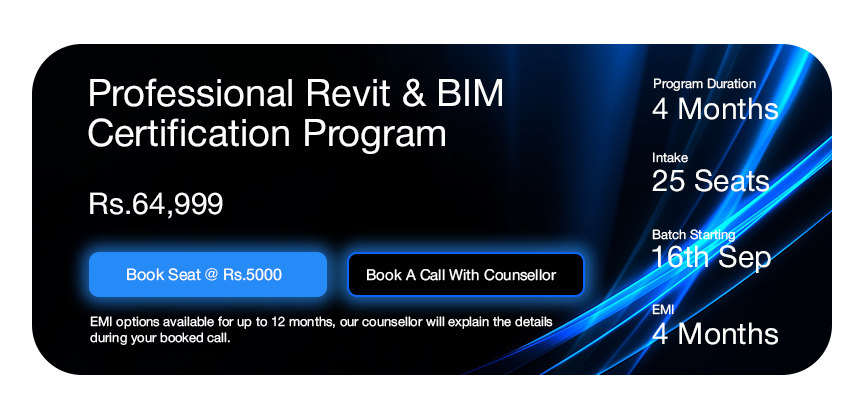
Enroll into 4 month BIM online course by KP Classes and advance your career with worldwide recognised Autodesk Certification.

Syllabus Apply

What will you learn in this Course?
Get Upskilled and Autodesk Certified with 100% Job Assurance!
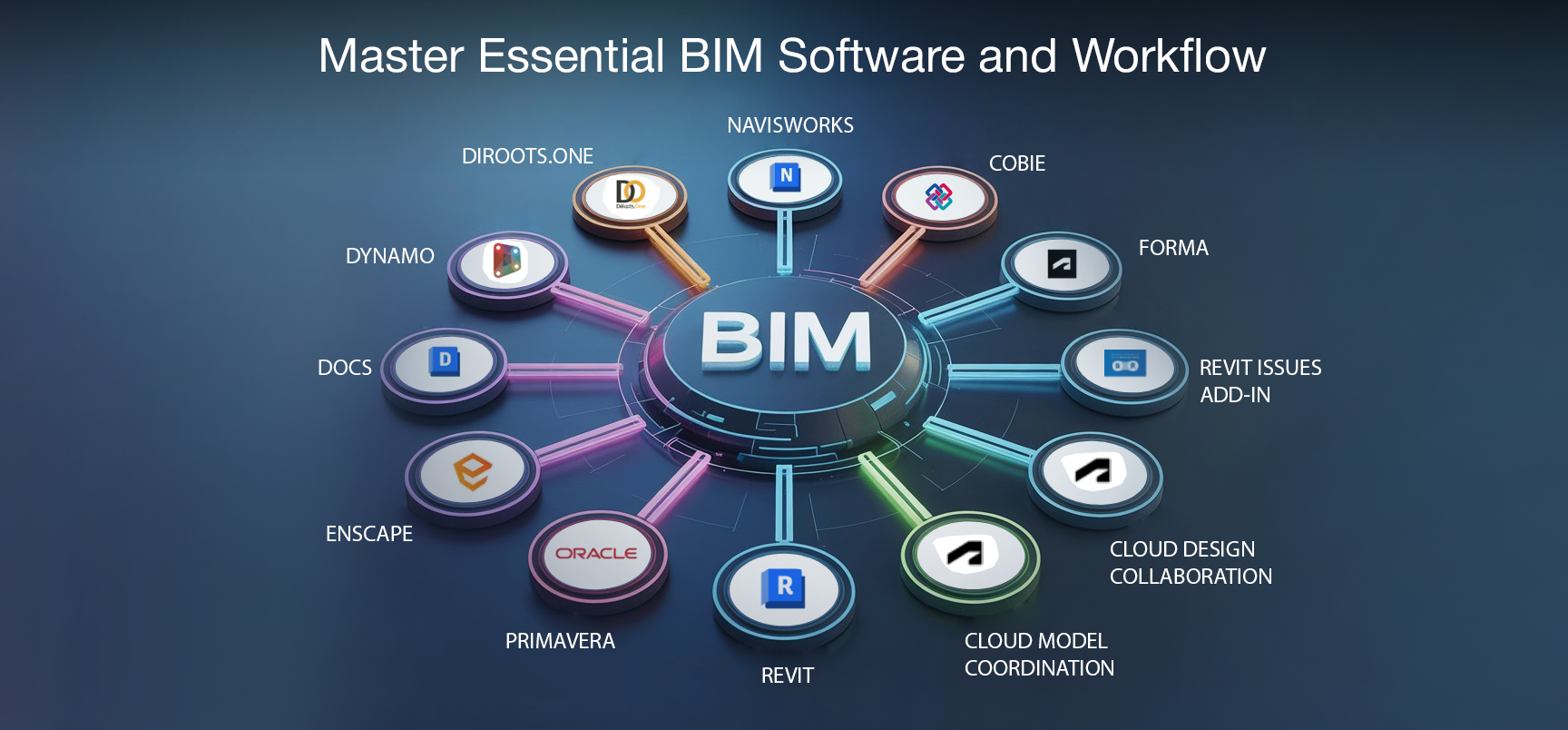
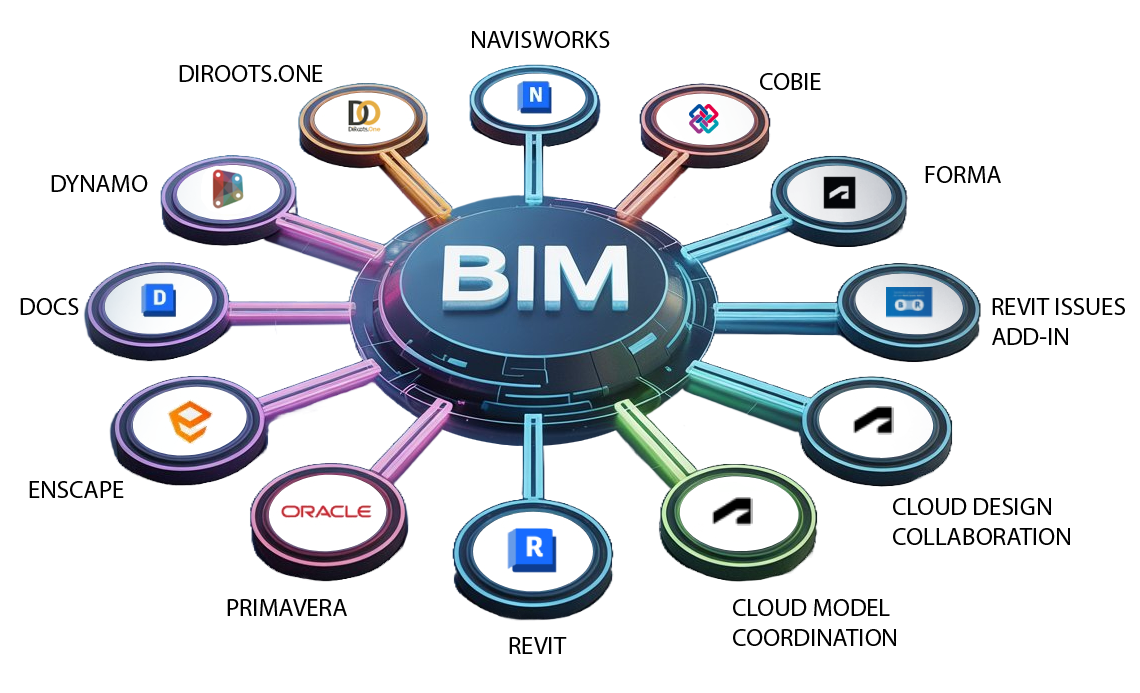
Master Essential BIM Software and Workflow
Check out the CURRICULUM of the Course

Introduction to BIM and Basics of Revit Modelling – (Week 1-6)

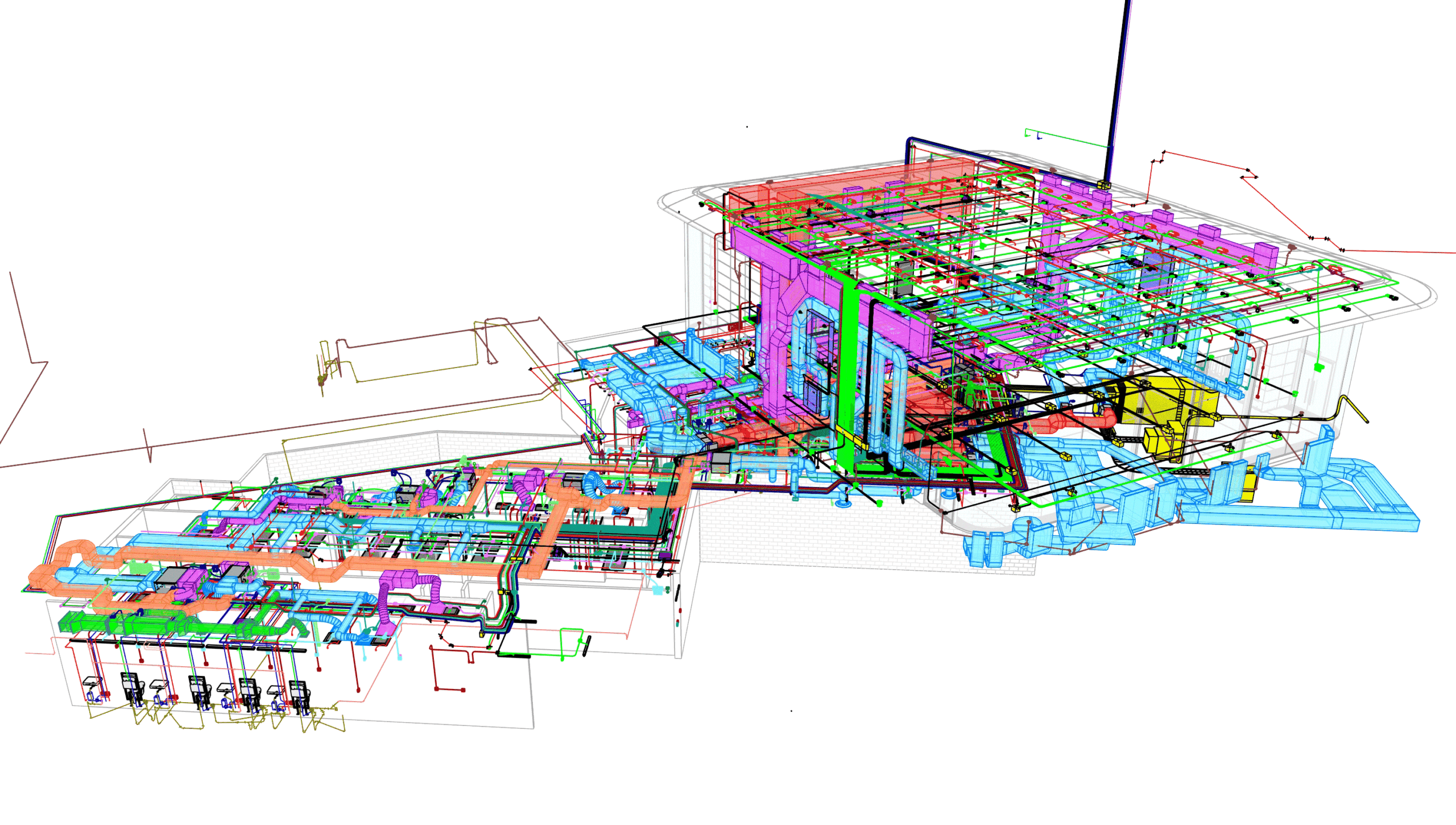
Your BIM journey begins with the foundation where you will learn the basics of BIM and Project Setup in Revit. The module further dwells into modelling beginning with topography & massing and further dwelling into Architectural, Structural and MEP modelling. This module further deals with the understanding of Adaptive and Custom families in Revit
6 Weeks 4 Assignment
BIM Course for architects

Visibility Graphics for Documentation and Collaboration- (Week 7-8)

This module deals with in-depth understanding of visibility graphics & filters and their applications in documentation along with collaboration tools for understanding of work-sharing, phasing, design options & working with shared parameters. Additional functions like schedules and area schemes, area plans and solar studies are taught in this module.
2 Weeks 3 Assignment

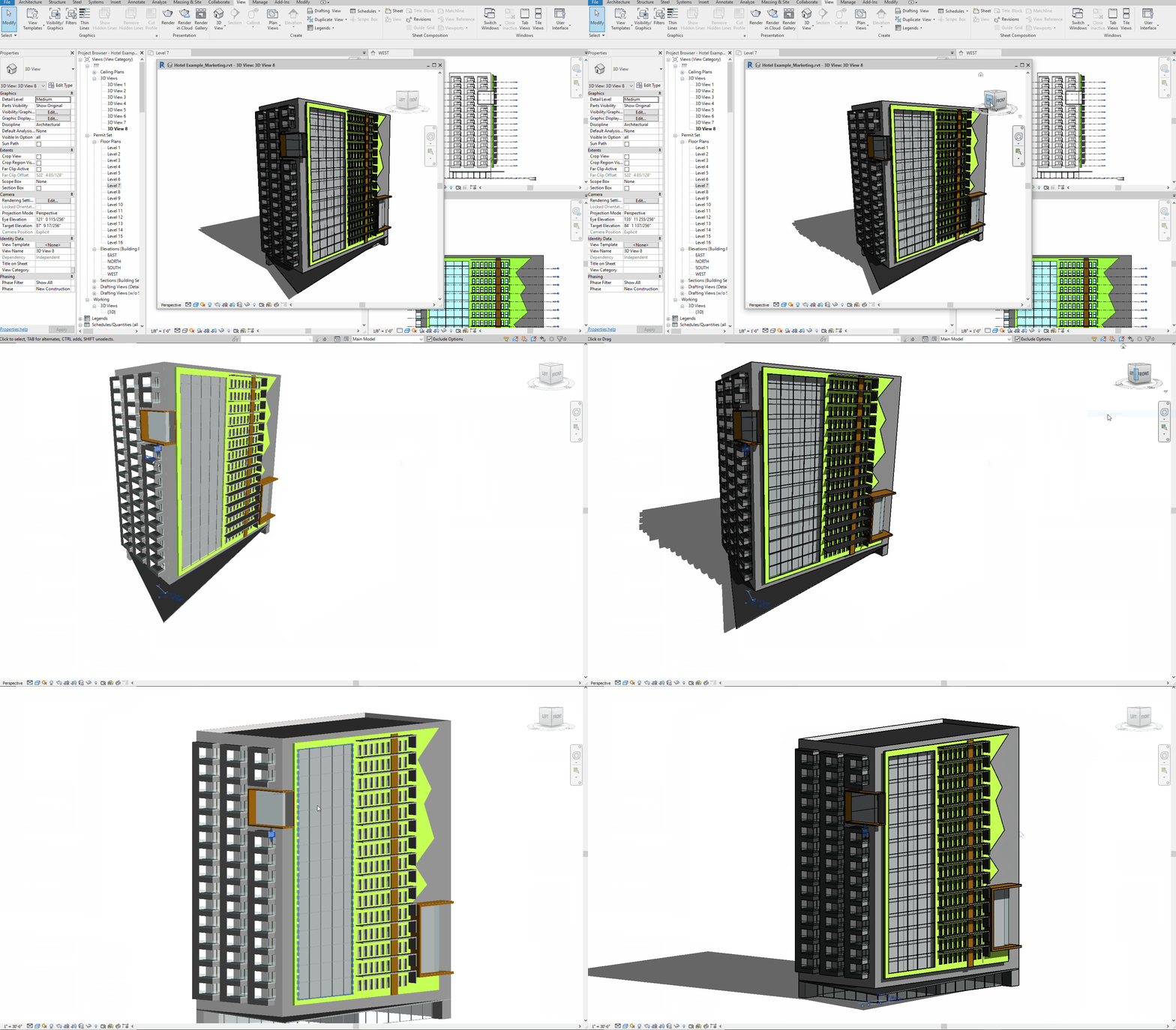
Application of Coordination and Clash Detection – (Week 9-11)

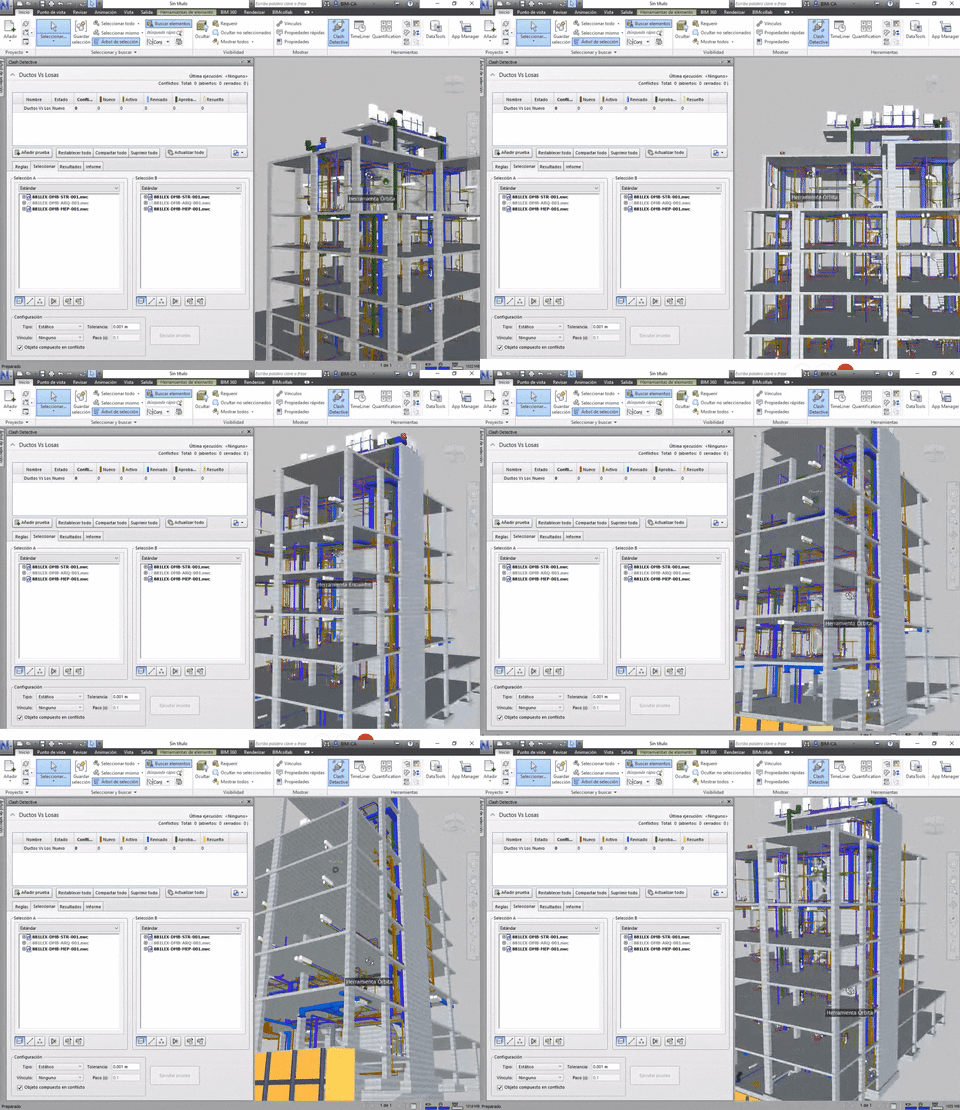
This module focuses on a very important aspect of BIM, which is internal and external coordination with different stakeholders of AEC industry. The module further includes complete understanding of BIM 360 and its importance in sharing project information for review, Navisworks for clash detection and time liner.
3 Weeks 2 Assignment

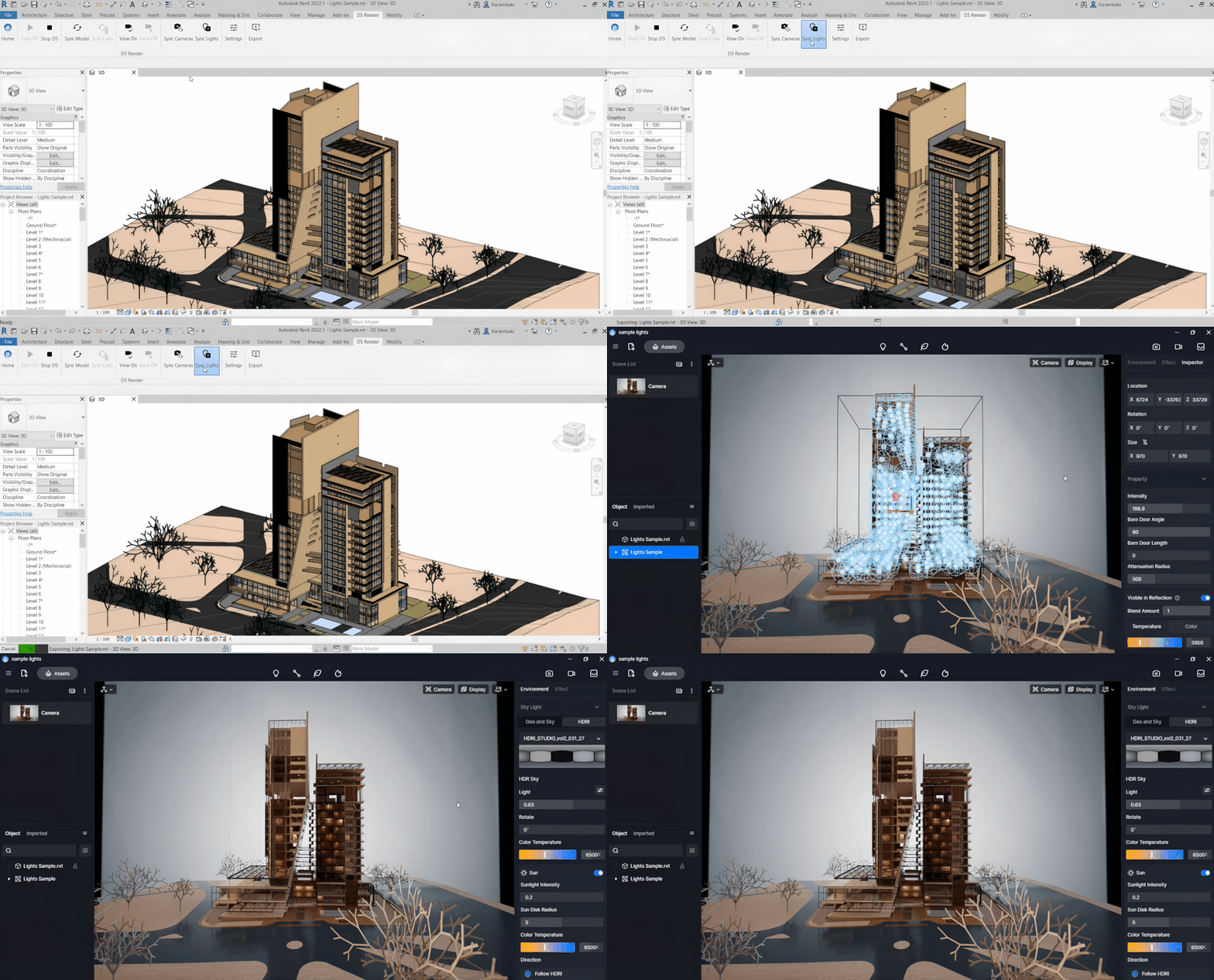
Capstone Project and Portfolio Guidance with Job Support – (Week 12-13)

This module focus on the complete application of skillset garnered throughout the course with exposure to a capstone project along with expert guidance for polishing your understanding of BIM. Further guidance on projects with focus on visualisation and compilation for portfolio and Job support are the culmination of the course.
2 Weeks 2 Assignment

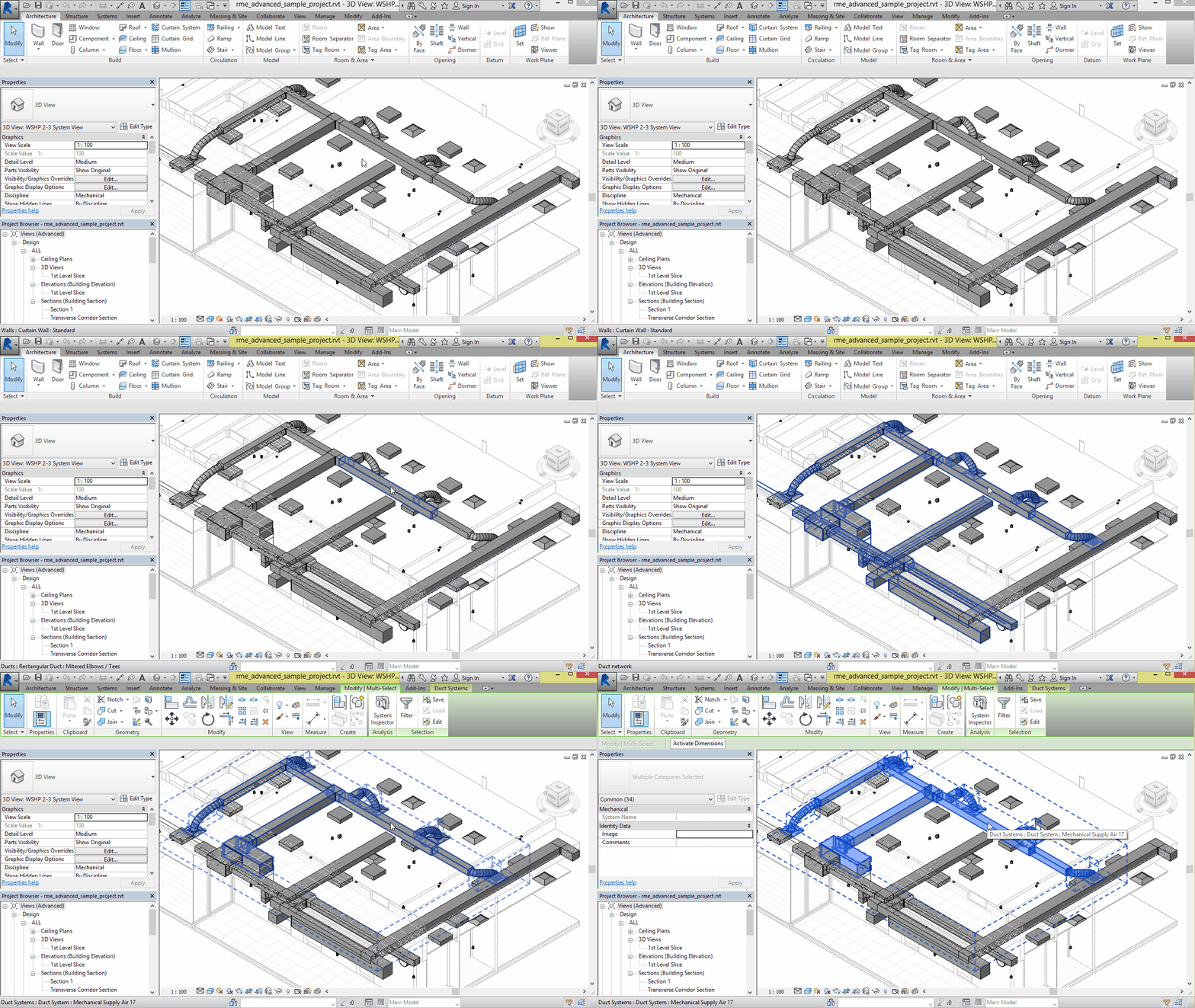
Introduction to Tools and Plug-ins for Revit – (Week 14-16)

This module focuses on advanced tools and plug-ins with an introduction to their application in Revit. The module covers the basic application of Dynamo along with practice and doubt discussion. Further, the module covers Autodesk Forma & Form-it, Py Revit, and application of these tools for Advanced modelling
3 Weeks 2 Assignment

Check out the CURRICULUM of the Course

Introduction to BIM and Basics of Revit Modelling – (Week 1-6)

Your BIM journey begins with the foundation where you will learn the basics of BIM and Project Setup in Revit. The module further dwells into modelling beginning with topography & massing and further dwelling into Architectural, Structural and MEP modelling. This module further deals with the understanding of Adaptive and Custom families in Revit

6 Weeks 4 Assignment
BIM Course for architects

Visibility Graphics for Documentation and Collaboration- (Week 7-8)

This module deals with in-depth understanding of visibility graphics & filters and their applications in documentation along with collaboration tools for understanding of work-sharing, phasing, design options & working with shared parameters. Additional functions like schedules and area schemes, area plans and solar studies are taught in this module.

2 Weeks 3 Assignment

Application of Coordination and Clash Detection – (Week 9-11)

This module focuses on a very important aspect of BIM, which is internal and external coordination with different stakeholders of AEC industry. The module further includes complete understanding of BIM 360 and its importance in sharing project information for review, Navisworks for clash detection and time liner.

3 Weeks 2 Assignment

Introduction to Tools and Plug-ins for Revit – (Week 12-14)

This module focuses on advanced tools and plug-ins with an introduction to their application in Revit. The module covers the basic application of Dynamo along with practice and doubt discussion. Further, the module covers Autodesk Forma & Form-it, Py Revit, and application of these tools for Advanced modelling

3 Weeks 2 Assignment

Capstone Project and Portfolio Guidance with Job Support – (Week 15-16)

This module focus on the complete application of skillset garnered throughout the course with exposure to a capstone project along with expert guidance for polishing your understanding of BIM. Further guidance on projects with focus on visualisation and compilation for portfolio and Job support are the culmination of the course.

2 Weeks 2 Assignment

Who all are in Mentor Panel?

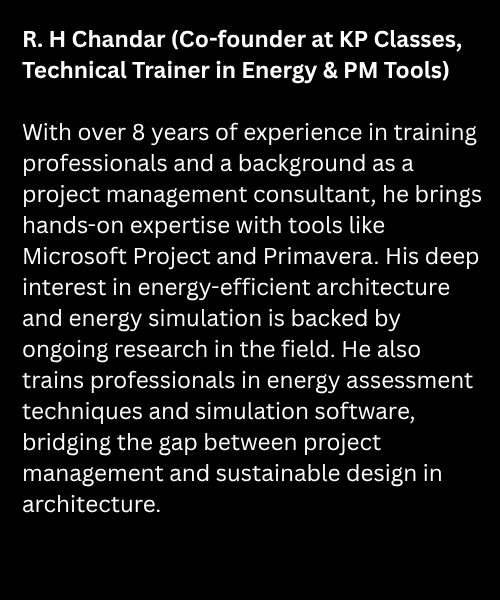
R.H Chandar

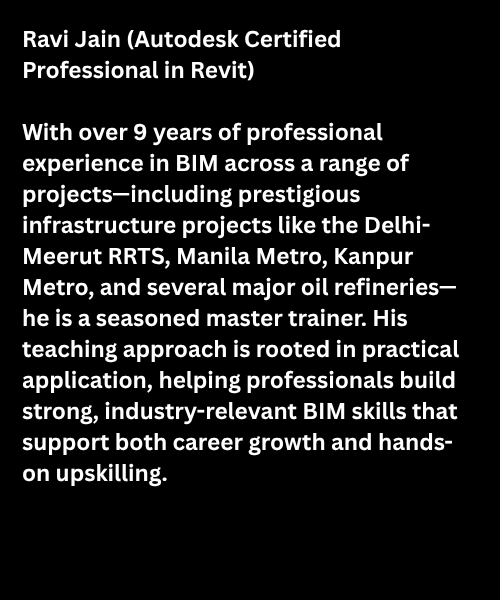
Ravi Jain

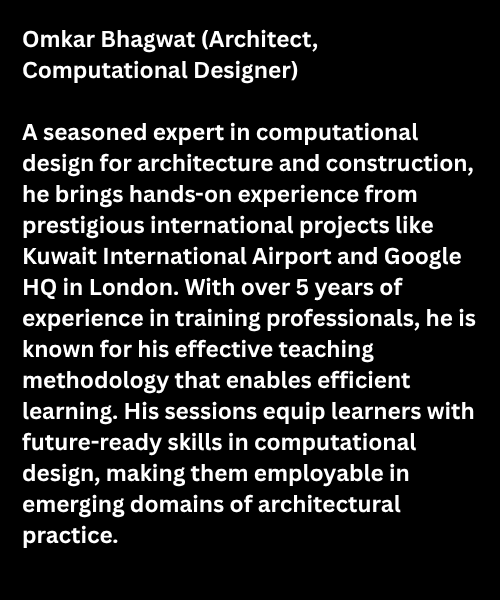
Omkar Bhagwat

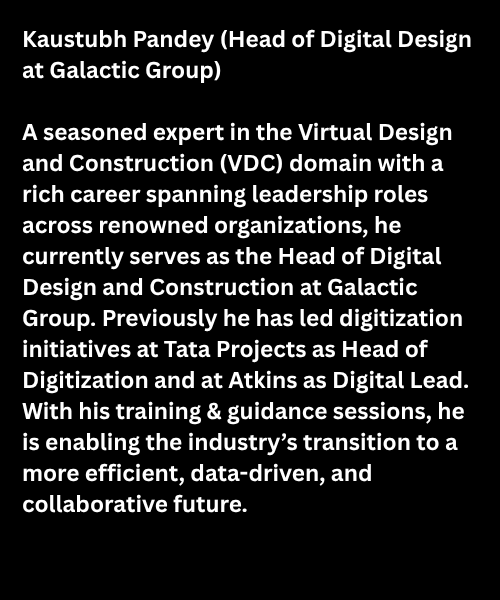
Kaustubh Pandey

Job Assistance
Professional Revit & BIM Course

Frequently Asked Questions (FAQs)

 Building Information Management (BIM) is a modern digital approach to design, construction, and project management. It involves creating 3D models with accurate data that help architects, engineers, and construction professionals work together efficiently. BIM improves project quality, reduces costs, and saves time—making it essential in today’s AEC (Architecture, Engineering, Construction) industry.

BIM is important because it connects design, planning, and construction in one platform. For professionals in architecture, civil engineering, and construction, BIM knowledge is now a must-have skill. Learning BIM gives you a competitive edge, increases job opportunities, and prepares you for global projects where BIM is mandatory.

A BIM Engineer creates and manages intelligent 3D models of buildings or infrastructure. Their role includes clash detection, coordination with architects and contractors, quantity take-off, and ensuring smooth execution of projects. With growing demand in India and abroad, BIM Engineers are among the most sought-after professionals in the construction industry.

Yes. At KP Classes, Autodesk Revit training is a core part of our BIM program. You will learn Revit Architecture, Revit Structure, and Revit MEP with practical projects. Our step-by-step Revit training helps students and professionals master real-world BIM workflows.

A BIM Modeller is responsible for creating detailed 3D models using tools like Autodesk Revit. They prepare accurate layouts, coordinate with project teams, and ensure that the model is ready for construction. BIM Modellers play a key role in minimizing errors and improving project efficiency.

Our BIM Management course in India is designed to make you industry-ready. It includes:

  • Basics & Fundamentals of BIM
  • Autodesk Revit (Architecture, Structure, MEP)
  • BIM Coordination & Clash Detection
  • Navisworks, 4D/5D Simulation
  • Quantity Estimation & Documentation
  • Real-time Case Studies & Industry Applications

This ensures you gain both software expertise and management skills.

BIM Level 2 is an international standard that focuses on collaboration and data sharing between stakeholders. Our BIM Level 2 training covers model coordination, file exchange formats, and project compliance standards—helping you work confidently on large-scale projects in India and overseas.

Yes, KP Classes offers online BIM training with live classes that you can attend from anywhere in India. We also provide offline classroom sessions in Delhi and recorded backup lectures so you never miss out on learning.

Revit tutorials are structured lessons that simplify the learning of Autodesk Revit software. With our tutorials, you’ll learn 3D modeling, drafting, and documentation techniques that will boost your productivity and prepare you for real BIM projects.

Yes, At KP Classes, we focus on providing affordable BIM training courses with flexible payment options. For fee details and enrollment support, please contact our team.

Yes. All participants who attend our BIM workshop will receive an official certificate of participation from KP Classes, which can be added to your resume or LinkedIn profile.

Yes. In addition to the participation certificate, students who successfully complete the assigned tasks and projects will receive a Certificate of Completion, which carries more value for career opportunities.

 Absolutely. We provide recorded sessions of the workshop to all registered participants. This ensures you can revisit the lectures anytime and learn at your own pace.

Once you successfully register, you will receive an email and WhatsApp confirmation from KP Classes. If you don’t see the email, please check your spam/junk folder or contact our support team.

Don’t worry. Sometimes due to banking or network issues, the payment shows as failed even though the money is deducted. In such cases, the amount is usually refunded automatically by your bank within 5–7 working days. You can also share the payment details with us, and our support team will assist you.

 If your payment was successful, your seat is confirmed even if the receipt email is delayed. Please allow a few hours for the email to arrive. If you still don’t receive it, contact our team, and we’ll resend your confirmation.